Create an API key
Create, store, and revoke scoped credentials for an integration.
Open Settings in the Console, then Profile to find API keys. Your account must have permission to manage keys.
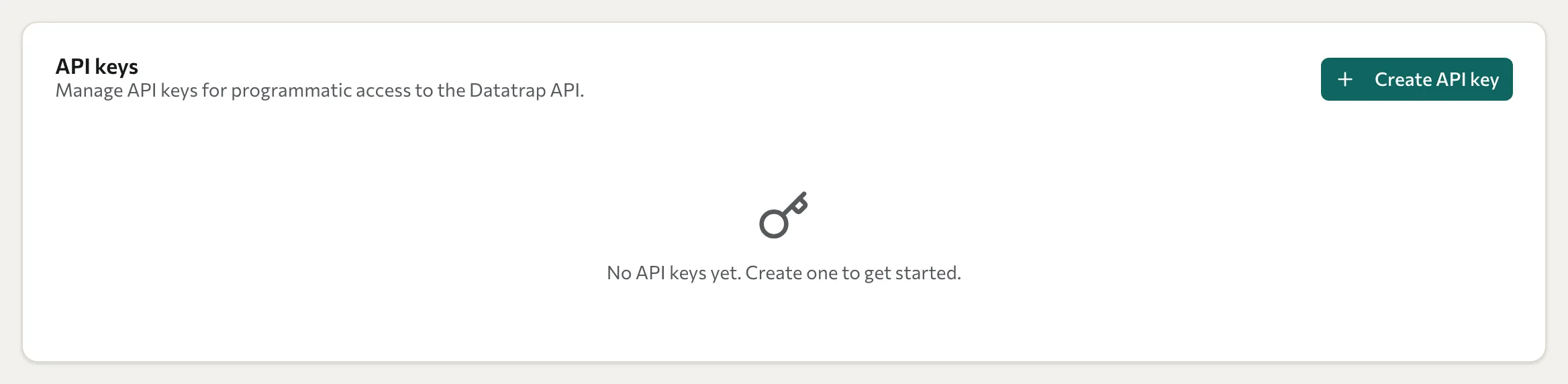
Create a key
- Select Create API key.
- Enter a name that identifies the integration.
- Choose the minimum required scope: Read only, Read & write, or Full access.
- Select Create key.
- Copy the key, which begins with
dt_live_, and store it in the integration's secure configuration or a password manager.
The full key is shown only once. Do not put it in a shared document, browser-side code, or a support request. If you lose it, revoke it and create another.
Understand access
Read-only keys permit read operations. Write scope permits supported creation and updates; full access also permits supported deletion. Datatrap's usual access checks still apply to each request. A key can have an expiry configured through the API even though the Console creation dialog does not offer that field.
See the deployed API reference for supported operations. Webhooks and a supported embed configuration are not provided by the current product.
Revoke a key
Select the bin icon beside the key and confirm Revoke key. Revocation is immediate; integrations using that credential lose access. Update or replace the integration's credential if it still needs to work.
Claude's OAuth connector is a separate credential. Revoking an API key does not revoke that connection. See Connect Claude to Datatrap.