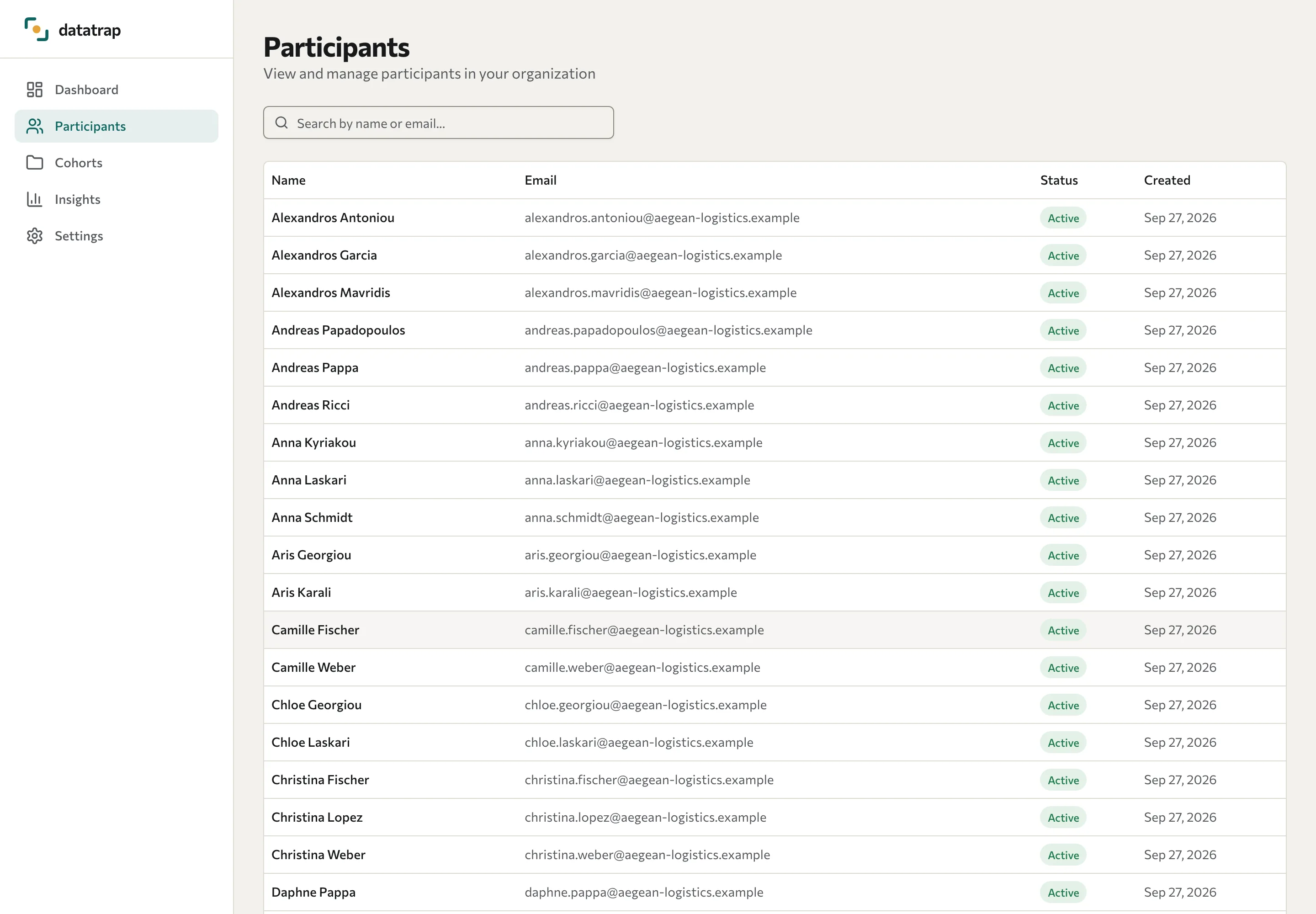
View participants
Find a person, choose a wave, and open available assessment results.
- Open Participants in the Portal.
- Enter a name or email address in the search field to narrow the list.
- Select a participant to open their page.
- If more than one wave is available, choose the one you want to review.
The list shows participant records with a name, email address, status, and creation date. A participant's active status is not the same as completing a particular assessment.
Depending on the assessment and scoring configuration, the detail page shows an archetype, dimension scores, strengths, and development areas. Use Download PDF report where a report is available. These pages do not edit the participant's submitted answers.
The Portal does not show an individual 360 report. Group 360 results are in Insights, and your training partner can share a person's 360 report. See Review 360 feedback.
Your account can view records within its organisation. An anonymous response is not a named employee record you can reliably identify. If data is missing, ask the training partner to check collection and scoring rather than assuming that the partner's data-access setting hides your Portal results.