Run an Open Floor session
Create, moderate, and present a live board for audience questions and comments.
Open Floor is a separate live session where an audience can post questions or comments and vote. Participants join through a public link without an account.
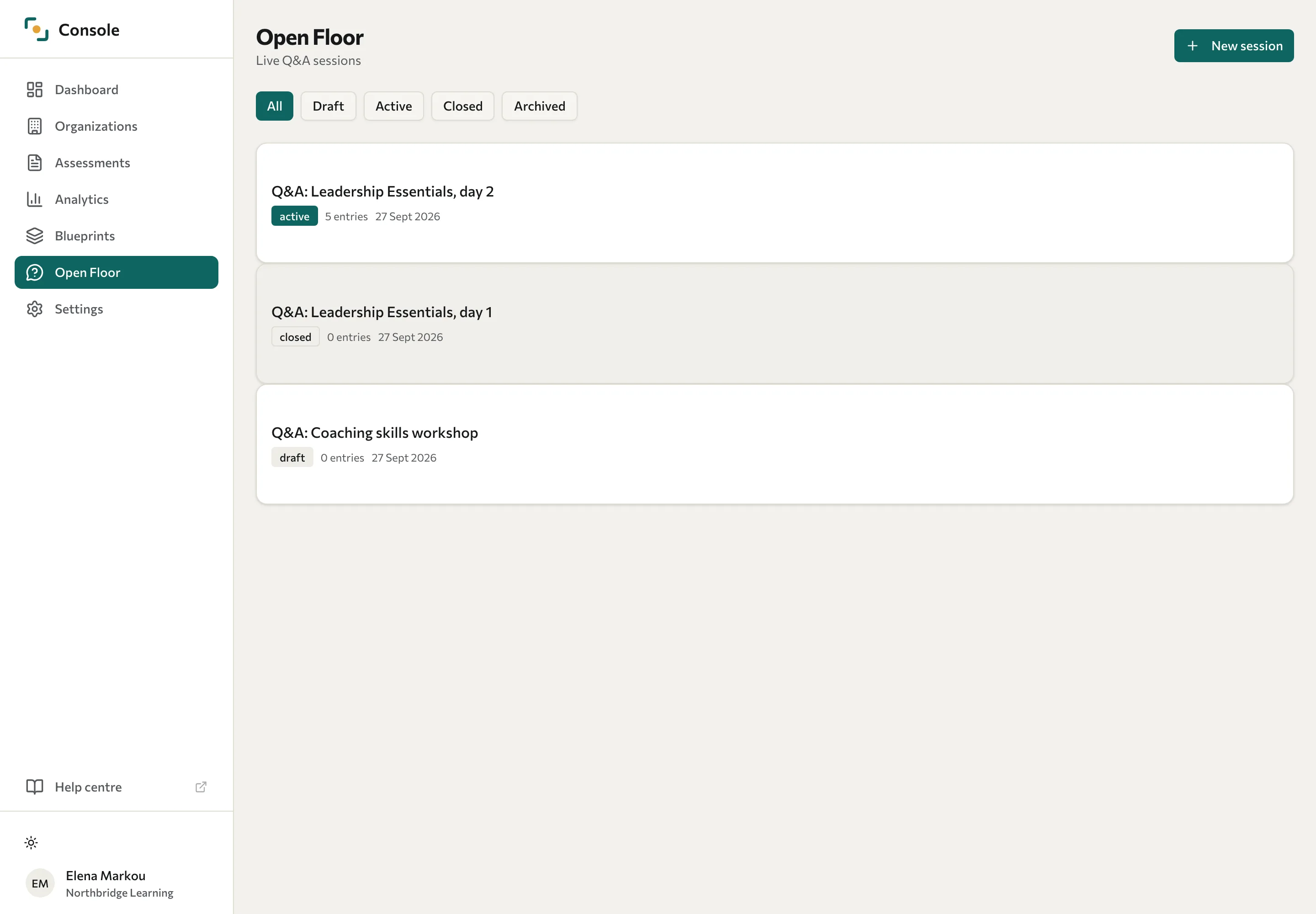
Create and open a session
- Open Open Floor in the Console and select New session.
- Enter a title and choose a Moderation mode. Open publishes contributions directly; Moderated holds them for review.
- Set Allow comments as required and select Create session.
- Open the session and select Activate in Controls.
- Copy the link from Share or display its QR code.
Share the link only with the intended audience. The public board is not a confidential personal-feedback channel.
Moderate and present
Review entries in the session's management view. Use the controls to approve pending entries, hide unsuitable ones, pin a contribution, or mark it answered. Review the wording before displaying entries that mention people or sensitive matters.
Select Present to open the presentation view for the audience. Keep moderation in your management view while presenting the board.
End the session
Select Close session to stop submissions. A closed board remains available for review; Archive is offered after closure. These states are separate from deleting data.
Share Join an Open Floor session with participants who need instructions.