View cohorts and pre/post results
Review waves and matched impact analysis for a group in your organisation.
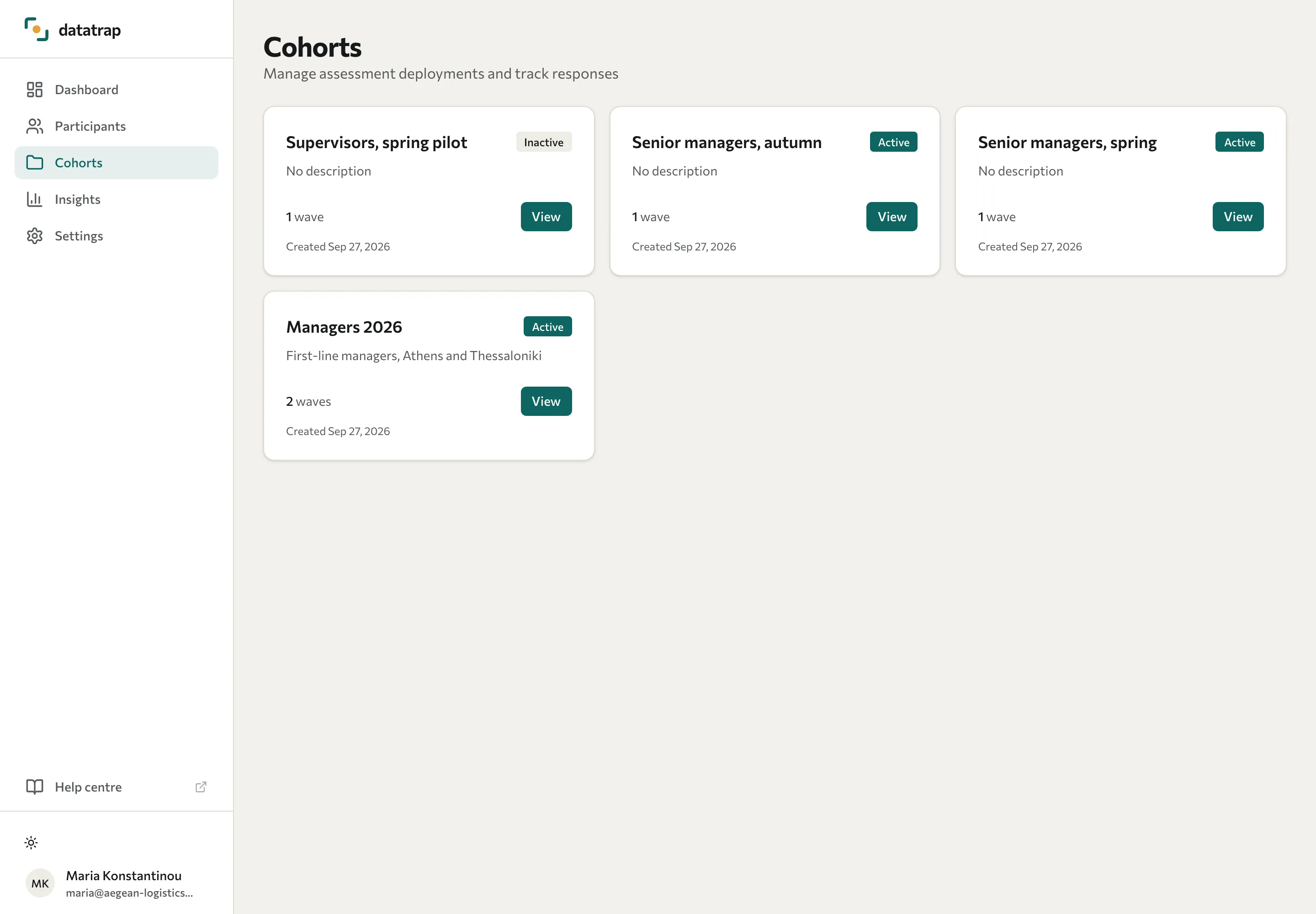
Open Cohorts in the Portal. Each card identifies a group taking an assessment, its status, and its waves. Select View to open the cohort.
Check collection waves
The Waves list shows each round, its status, and its dates.
| Status | Meaning |
|---|---|
| Live | The wave is collecting responses. |
| Ready | The wave is open but not shown as live. Check its dates, or ask your training partner whether it is collecting responses. |
| Scheduled | The wave is open, and its start date hasn't arrived. |
| Expired | The wave's end date has passed. |
| Inactive | The training partner hasn't opened the wave, or has closed it. |
A cohort's own Active badge doesn't show whether a particular wave is collecting responses.
Read impact analysis
Impact analysis compares the cohort's pre-training and post-training dimension scores where suitable data exists. It reports the number of matched participants, completion information, and dimension changes.
Only people with scores in both rounds contribute to matched results. Each dimension uses participants who have a score for that dimension at both points. Anonymous responses cannot be reliably matched by person.
Read the pre and post means alongside the signed change and effect size. Effect size measures a standardised difference; it does not prove causation or statistical significance. A missing calculation can mean insufficient data or no variation in the scores.
If there are several pre- or post-training waves in a cohort, confirm with your training partner which pair the analysis uses. This page has no option to choose the pair.
See Explore insights for assessment comparisons and View participants for individual results.