For organisations
Manage your account
Change your Portal password and request corrections to your account details.
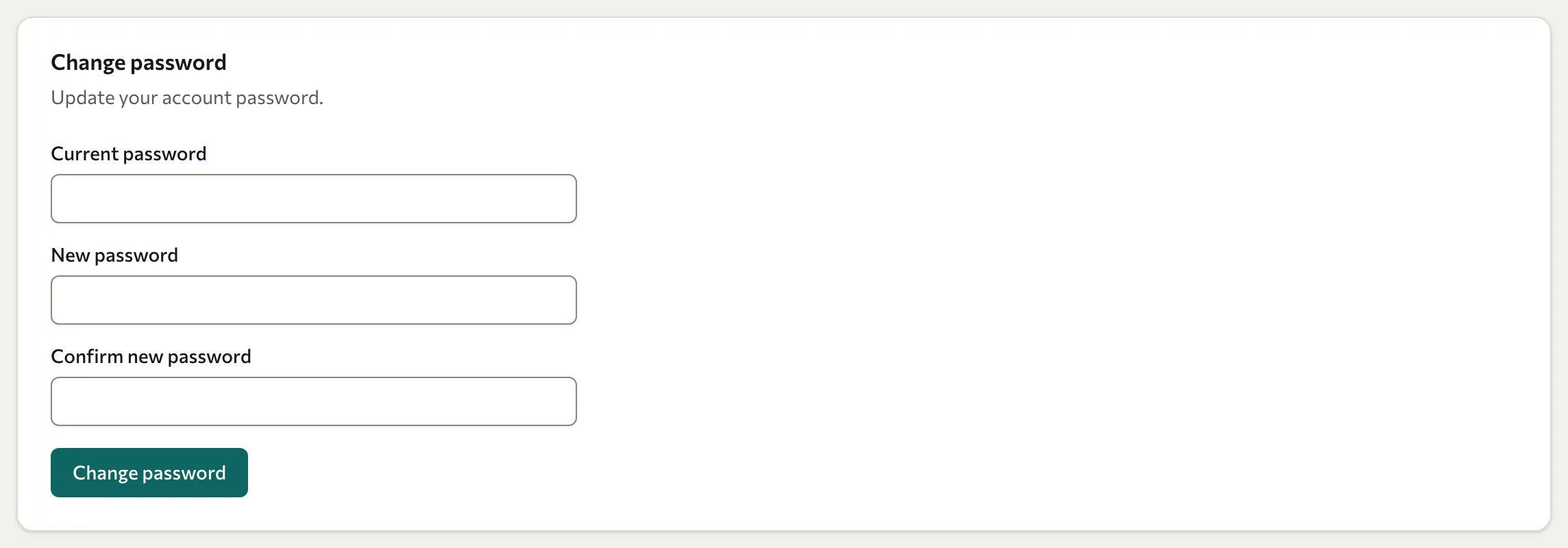
Change your password
- Open Settings in the Portal.
- Under Change password, enter your Current password.
- Enter and confirm a New password of at least 8 characters. Follow any additional validation message shown.
- Select Change password and wait for confirmation.
If you have forgotten your password, use the reset option on the sign-in page.
Correct your name or email
The Portal does not provide a profile-edit form for these details. Ask your training partner to correct your account. Changing a participant record and changing a Portal sign-in account are separate tasks, so identify which one needs updating.
Client admins can also manage the training-partner access setting. Portal user administration is handled through the training partner's Console; there is no Portal user-management screen.