For training partnersTraining partners
Get started in the Console
Find the main areas and follow a first-assessment workflow.
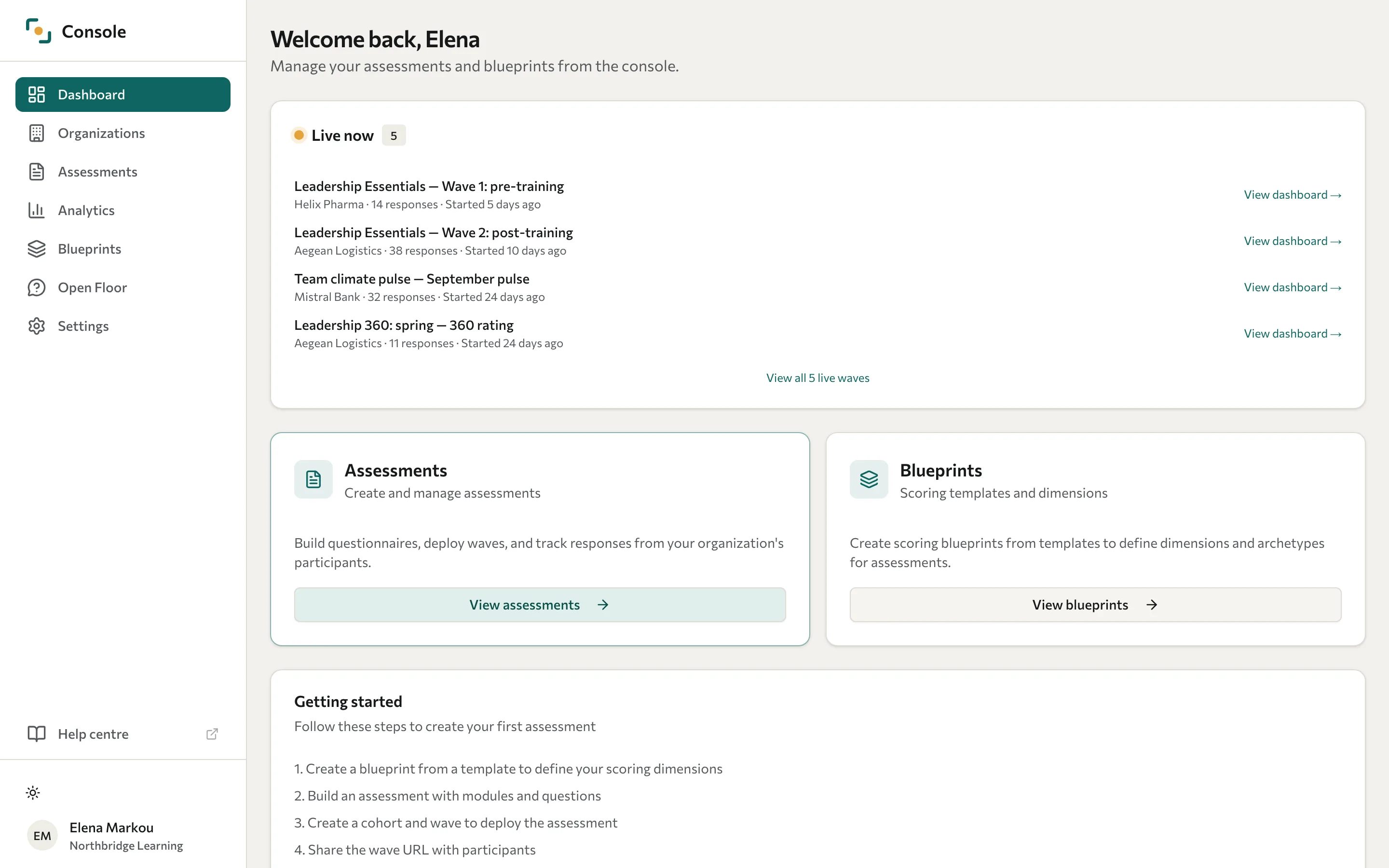
The Console is the training partner's workspace. Your account's role and scope determine what you can view or change.
| Area | Purpose |
|---|---|
| Dashboard | Review activity and return to current work. |
| Organizations | Manage clients and their Portal accounts. |
| Assessments | Build content and manage collection. |
| Analytics | Explore responses and category-specific results. |
| Blueprints | Define scoring, interpretations, archetypes, and report text. |
| Open Floor | Run live question-and-comment sessions. |
| Settings | Edit your profile and API keys; authorised users also manage Users, Branding, and Email templates. |
Run your first ordinary assessment
- Create the client organisation.
- Create an assessment and build its questions.
- Set up scoring where needed and translate content.
- Preview the participant experience and report.
- Create a cohort and wave, check privacy and dates, and share the link.
- Review responses and discuss the findings in context.
For multi-rater feedback, use Run a 360 campaign instead of the ordinary public-link flow.