Answer a pulse check-in
Give follow-up feedback on selected focus areas in My360.
A pulse check-in is a short follow-up after a 360. You're asked a few of the same questions again about one or more people, limited to the areas they've been working on (their focus areas). Your answers show whether things have changed. It takes a few minutes for each person, and works on a phone.
You don't need an account or a password. One invitation email lists everyone you're asked about, their focus areas, and the date the check-in closes. Answer before that date; after it, answers can no longer be sent.
Answer the questions
- Open the link in your pulse invitation email. It signs you in to My360.
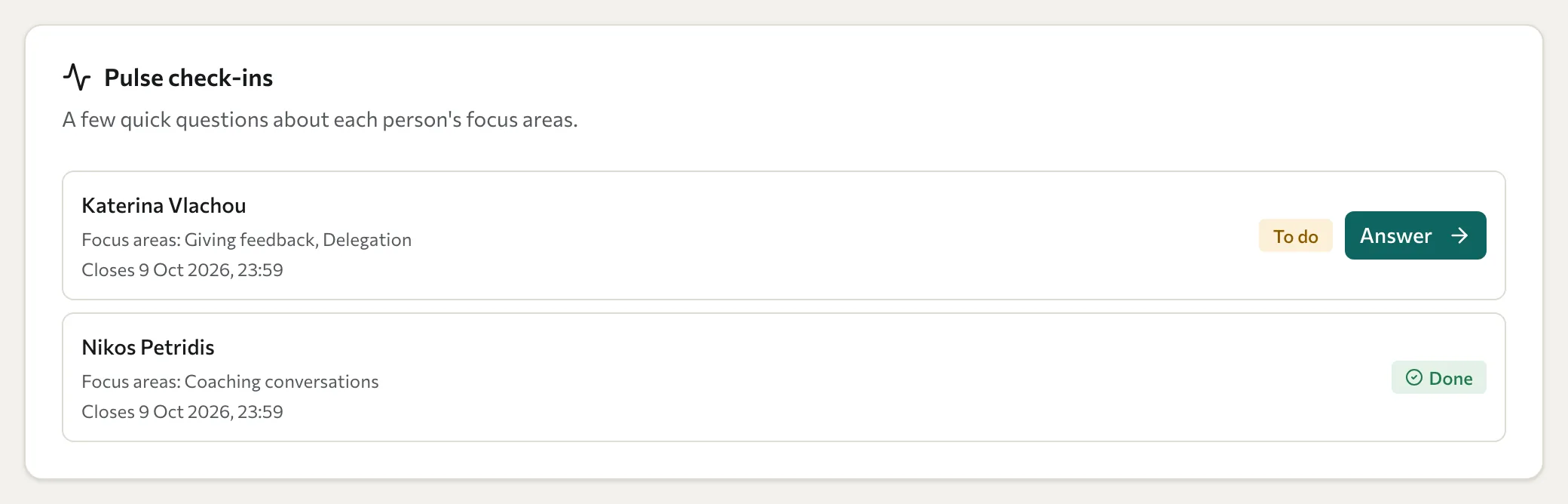
- On your Dashboard, find the Pulse check-ins card. It lists each person with their focus areas and the close date. People waiting for your answers are marked To do; people you've finished are marked Done.
- Select Answer next to a person.
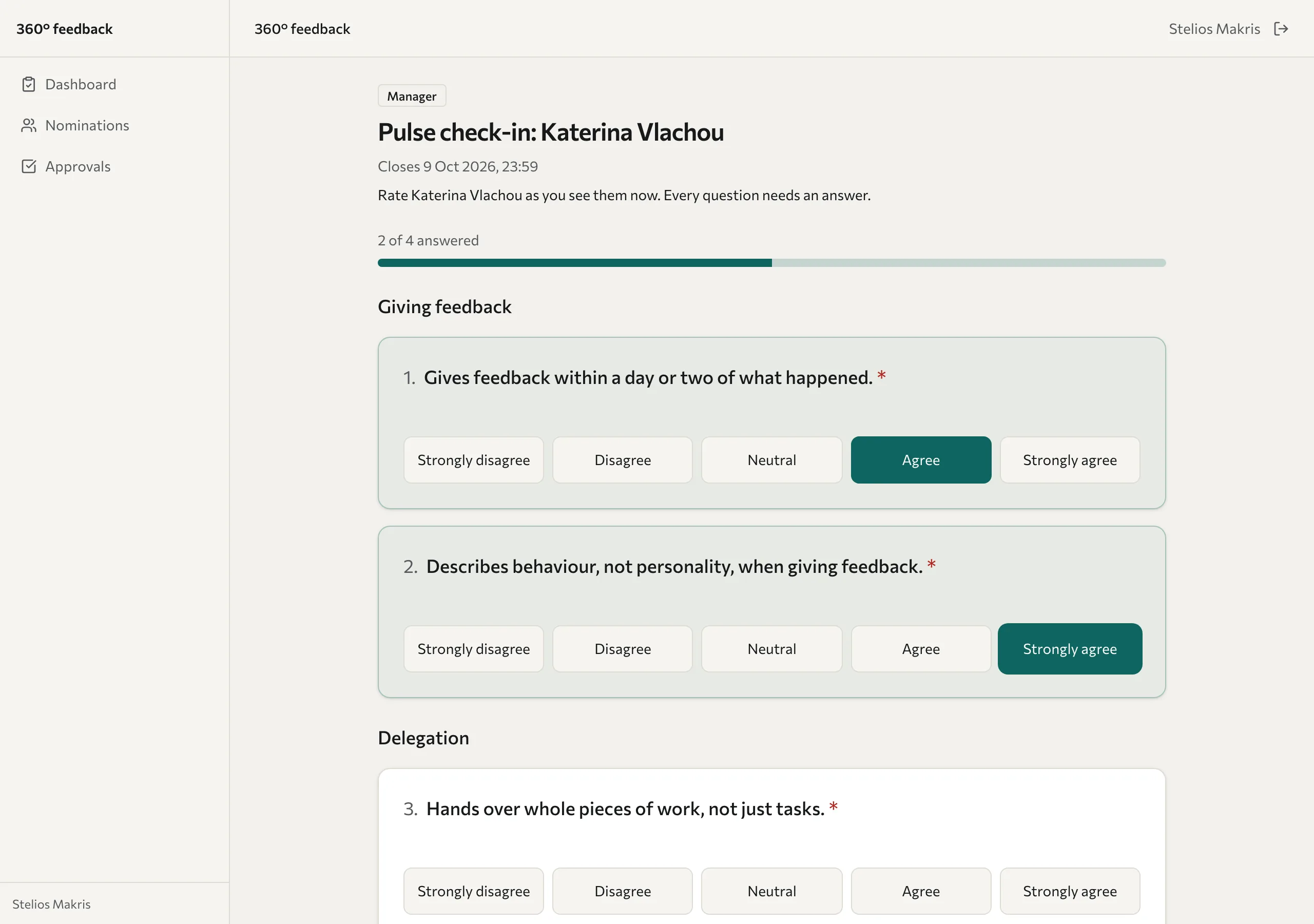
- Answer each question about how you see the person today. Your answers from the 360 aren't shown. Every question needs an answer, and a counter, such as "2 of 4 answered", shows how far you are.
- Optional: under What change have you noticed?, add a comment of up to 2,000 characters.
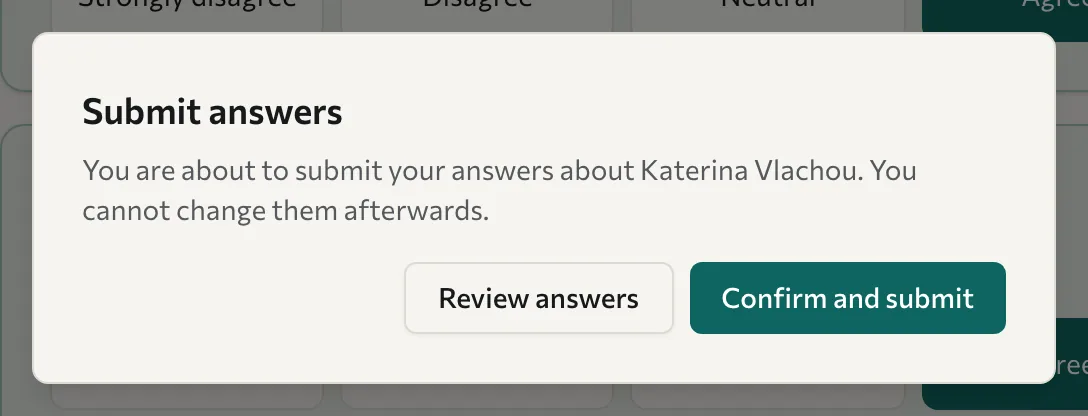
- Select Submit answers, then select Confirm and submit. To check your answers first, select Review answers.
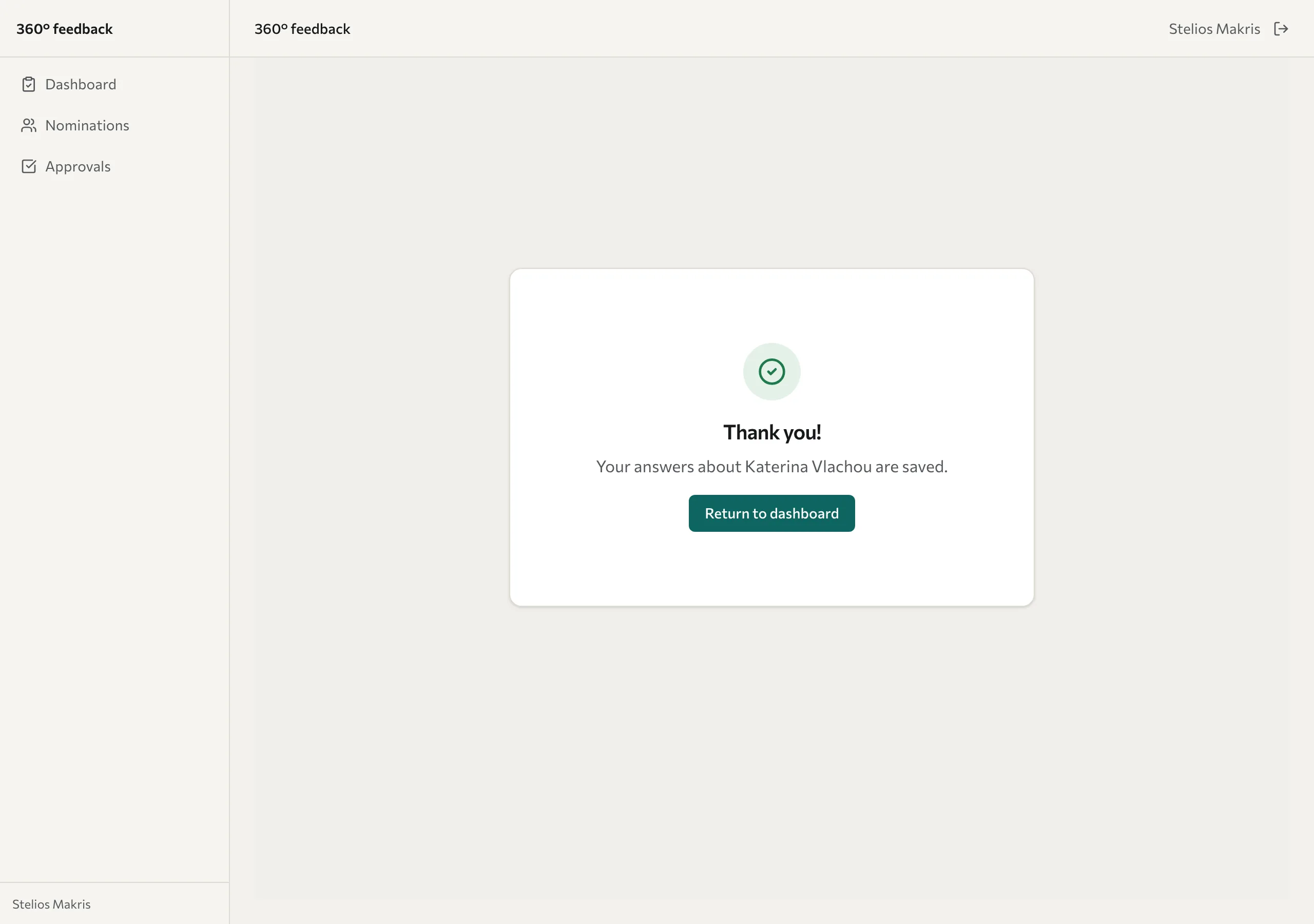
- On the Thank you! screen, select Return to dashboard and answer for anyone still marked To do.
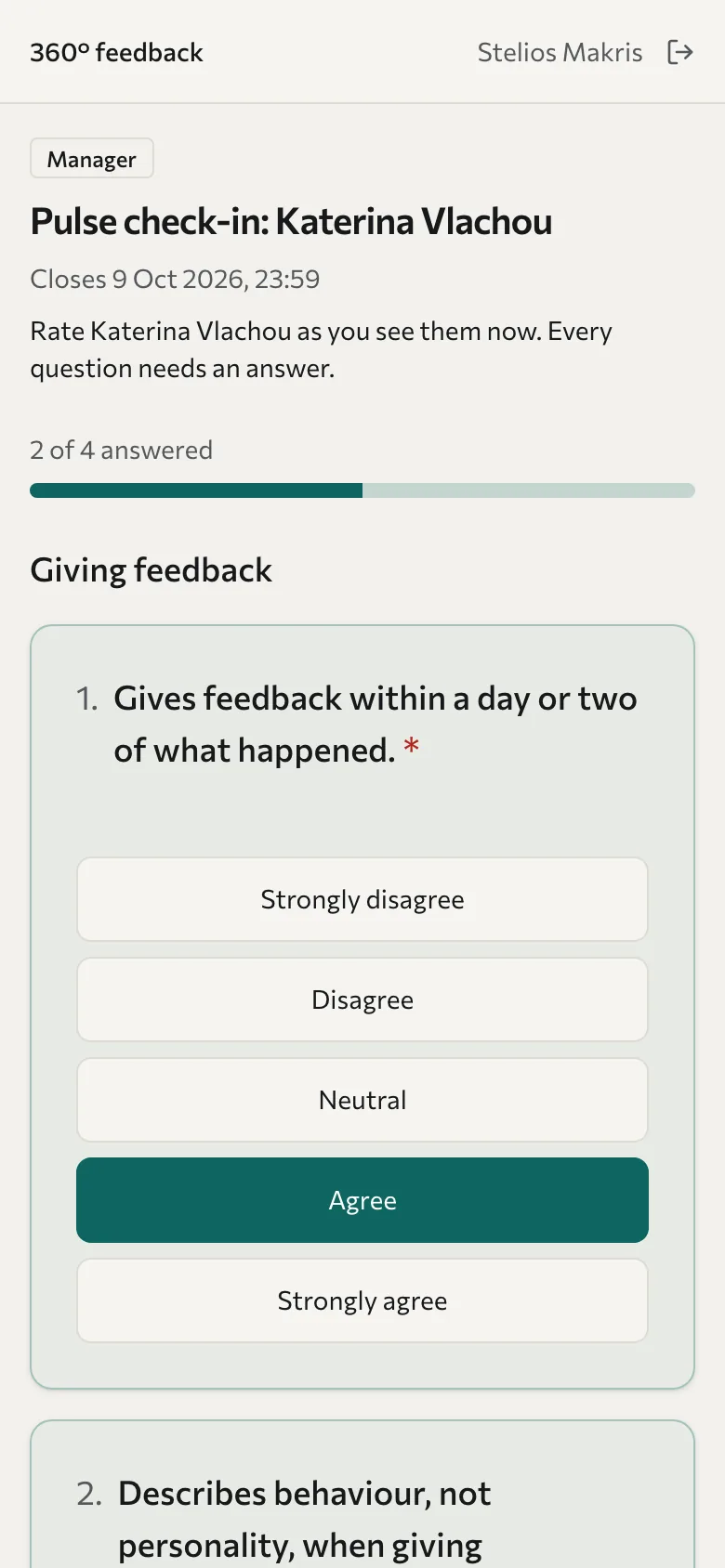
On a phone, the answer buttons stack so they're easy to tap.
You can't change your answers after you submit them. When you've answered for everyone, you receive a thank-you email.
Who sees your answers
The person you rate never sees your name with your answers or your comment. The campaign's anonymity rules apply to pulse results too. Your training partner reviews comments before the person sees them and can remove any that could identify you. Even so, write with care: details in a comment can show who wrote it.
If you don't finish
If you close the page before submitting, the answers you've given so far are kept on that device and browser, so you can come back and finish before the close date. They're cleared when you sign out.
If you still have people to rate when the close date is 3 days away or less, you receive one reminder email with your sign-in link.
Troubleshooting
My link says "Link invalid". Each link works once and expires after a few days. On the sign-in page, enter your email address and select Request new link. A new link is sent to you.
The page says "This pulse check-in has closed". The close date has passed, so answers can no longer be sent. Contact the person who invited you if you think this is a mistake.
The page says "You have already answered". Your answers for this person are already saved. Nothing more is needed.
If you're also being rated, see See your pulse results after the pulse closes. For the 360 itself, see Complete a 360.