For organisations
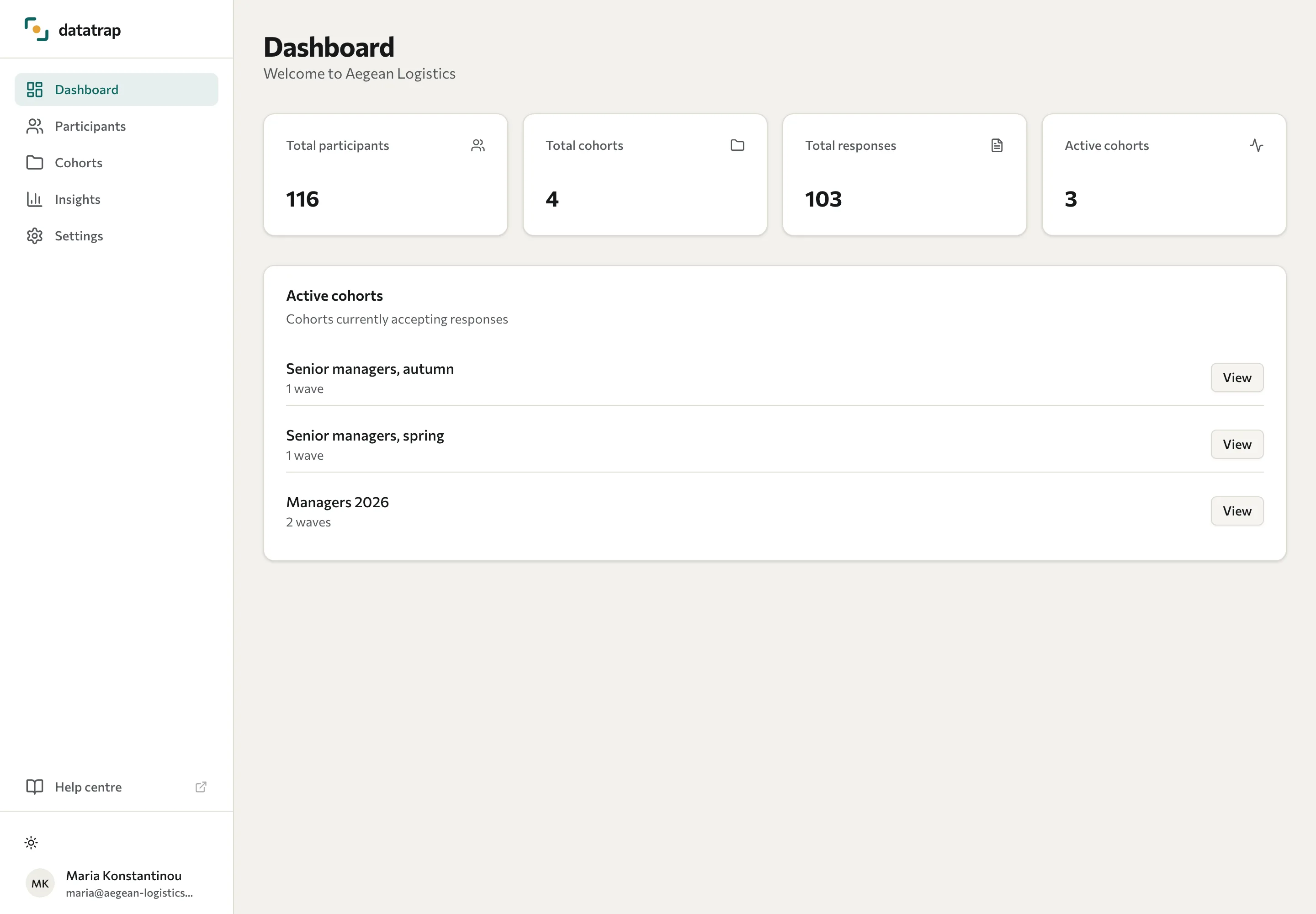
Get started in the Portal
Find your organisation’s results, people, cohorts, and settings.
Sign in with the account supplied by your training partner. Datatrap opens the Portal for organisation users. See Sign in if you need help with access.
| Area | What to do there |
|---|---|
| Dashboard | Review totals and active cohorts. |
| Participants | Find a person and open their available results. |
| Cohorts | Review collection waves and pre/post impact analysis. |
| Insights | Explore assessment analytics and assessment comparisons, including group results for 360 assessments. |
| Settings | Change your password. Client admins can also change training-partner data access. |
Your Portal account is scoped to your organisation. The Training partner data access setting controls the partner's access to your data; it is not a setting the partner uses to restrict your own Portal.
If you cannot find an expected cohort or person, check with the training partner that the assessment was deployed to your organisation and that responses were submitted. See Troubleshooting.