For organisations
Review your dashboard
Understand participant, cohort, and response totals in the Portal.
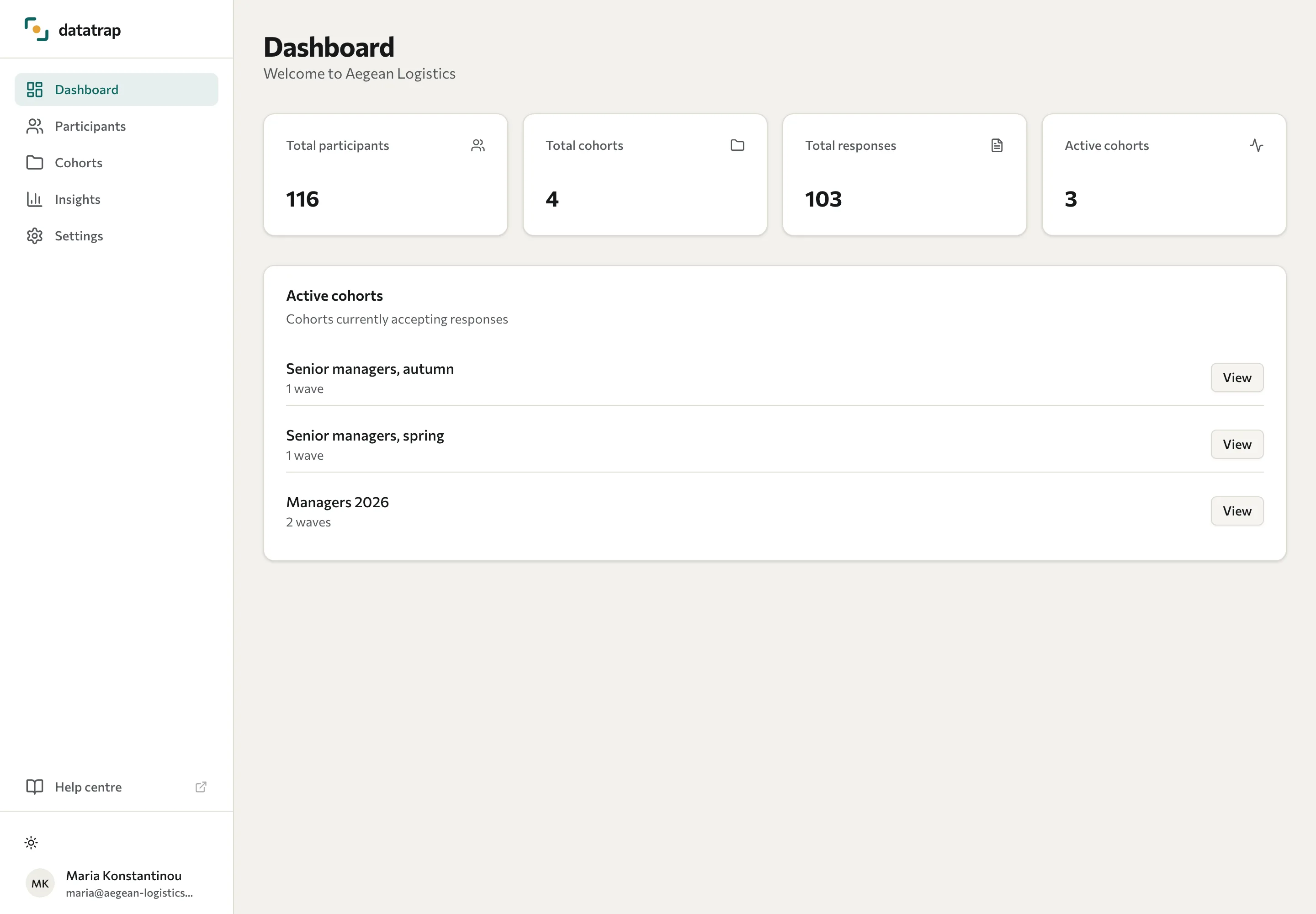
The Dashboard summarises your organisation's activity. Use it to find the group or assessment you want to inspect.
| Figure | Meaning |
|---|---|
| Total participants | Participant records in your organisation. This is not a count of everyone who opened a link. |
| Total cohorts | Cohorts associated with your organisation. |
| Total responses | Submitted response activity, counted by respondents rather than individual answer rows. |
| Active cohorts | Cohorts marked active. Check each wave's status and dates to see whether it currently accepts responses. |
Select View on a cohort to open its detail. Use Participants for an individual or Insights for assessment analytics.
If a count differs from your expected attendance, check which cohort and wave were used, whether people submitted, and whether collection was anonymous. An active cohort does not guarantee a live wave.
See View cohorts and View participants.