View your assessment results
Understand completion feedback and download or email a report when available.
After submission, Datatrap confirms that your response was received. Depending on the assessment and scoring setup, the completion page may also show a score, result band, archetype, or dimension breakdown.
A completion message without scores does not mean your response failed. Some assessments collect feedback without returning an individual result.
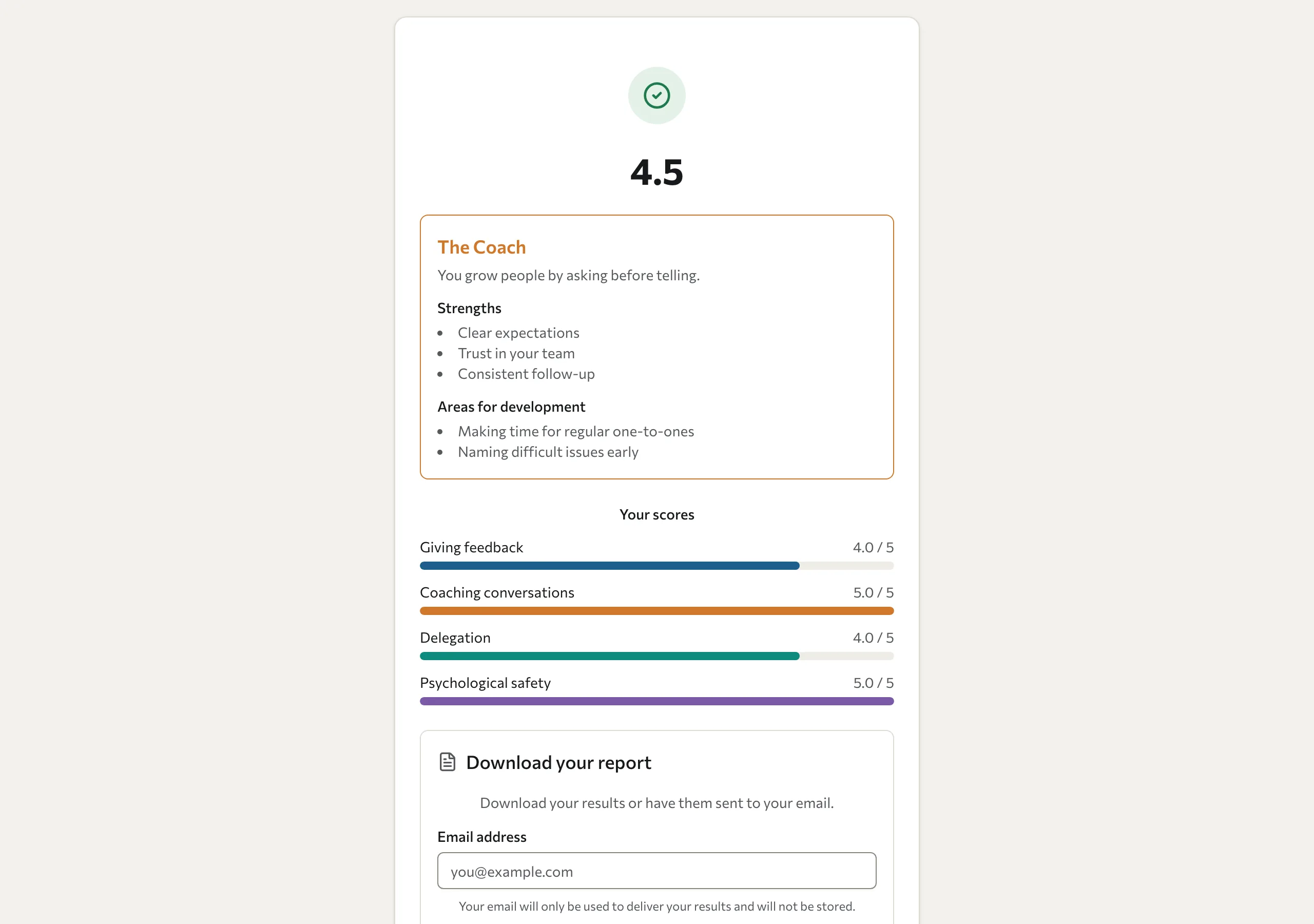
Keep a report
If report delivery is enabled, the completion page offers Download PDF, Email PDF, or both. Select the available button and follow the instructions. For email delivery, enter the address that should receive the report.
For an anonymous assessment, that delivery address is used to send the report; it is not saved as the identity linked to your answers.
If a report is unavailable
A PDF requires a scoring blueprint and the appropriate assessment and wave settings. If the page says the report is not ready or shows no report options, contact the organiser. Do not assume that missing download buttons mean all results are available on screen.
If downloading or email delivery fails, keep the completion page open and retry when your connection is working. Check your junk mail for an emailed report. If the problem continues, tell the organiser which assessment you completed and when.
Save any available report before closing the page. Ordinary assessments do not give you an account that guarantees later access to this completion screen.
For 360 feedback, use Your 360 results and development plan.