Sign in to Datatrap
Use your account, accept a team invitation, or reset your password.
Console and Portal accounts are provisioned by an administrator. Datatrap has no public self-service signup. Ask the person managing your access if you have not received an account.
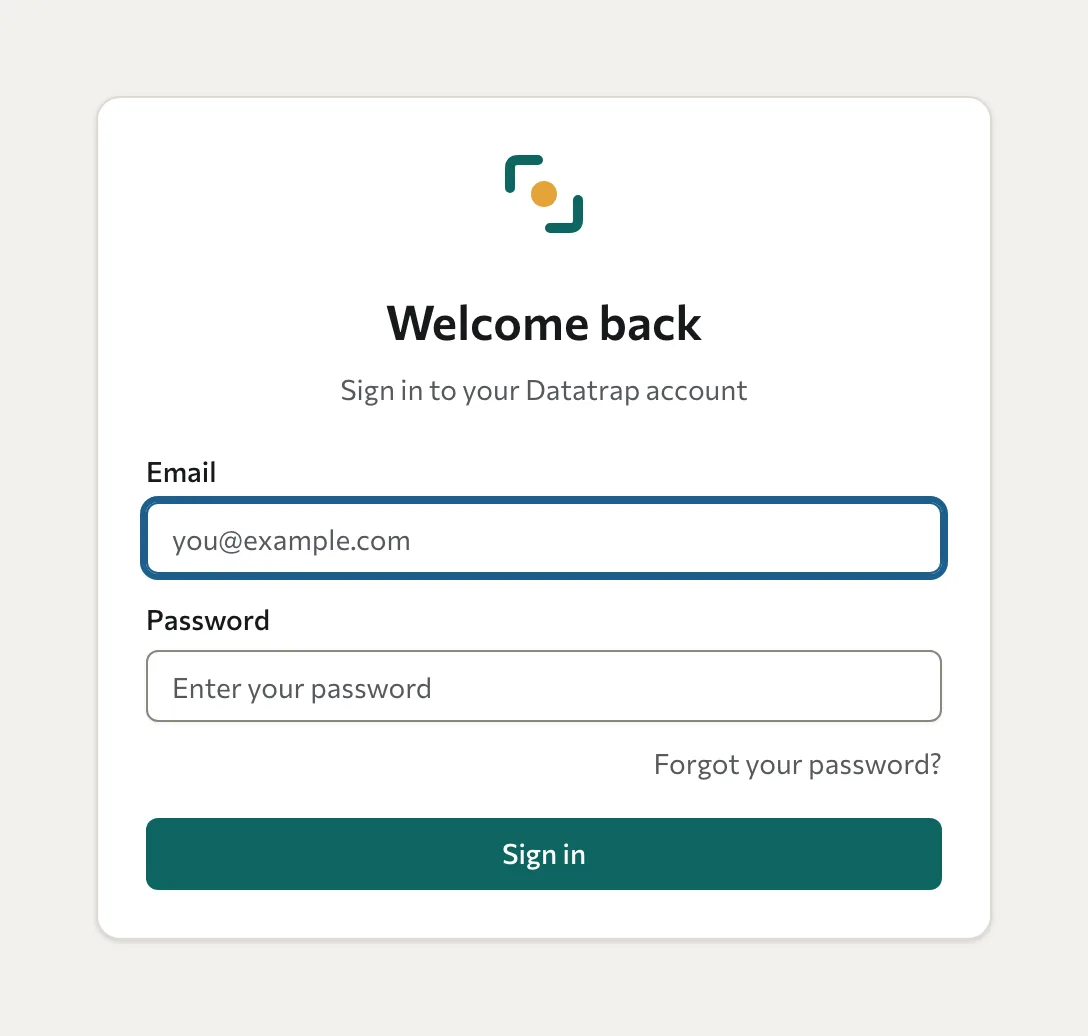
Sign in with a password
- Open the Datatrap sign-in page.
- Enter the email address and password for your account.
- Select Sign in.
Training partners open the Console; client organisation users open the Portal. If you arrive in the wrong workspace, ask your administrator to check your role and organisation.
Accept a team invitation
Open the link in the invitation email and follow the account setup instructions. Team invitations expire after 7 days. Ask the inviter to resend an expired or revoked invitation.
Client Portal users may instead receive a temporary password from the training partner. Change it after signing in. Team invitation expiry does not determine the validity of public assessment links or 360 sign-in links.
Reset a password
- On the sign-in page, select Forgot your password?.
- Enter your account email address and select Send reset link.
- Open the link in the reset email and choose a new password. Check your junk mail if it doesn't arrive, and use the latest reset email.
Participate without a password
For ordinary assessments, open the link or QR code from your organiser. For a 360, use the personal email link to sign in to My360. See Take an assessment or Complete a 360.